
Pagecatch
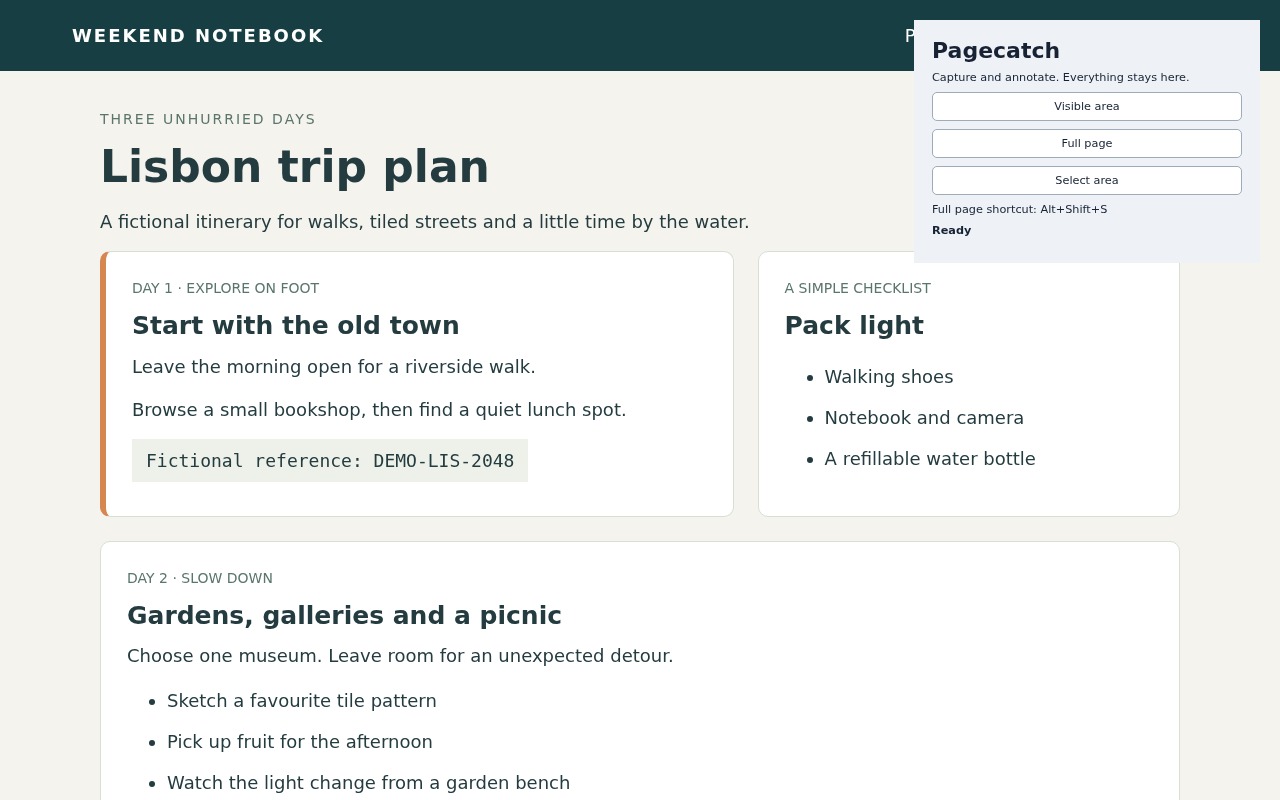
Capture a web page and open it in a local editor. Take a full-page screenshot, the visible area or a selected rectangle, then mark it up before you save or copy it. Your capture is never uploaded.
The free version is in review on Firefox Add-ons (Firefox 140 or later). Edge and Chrome versions come later.
Free
- Full page, visible area and select area capture.
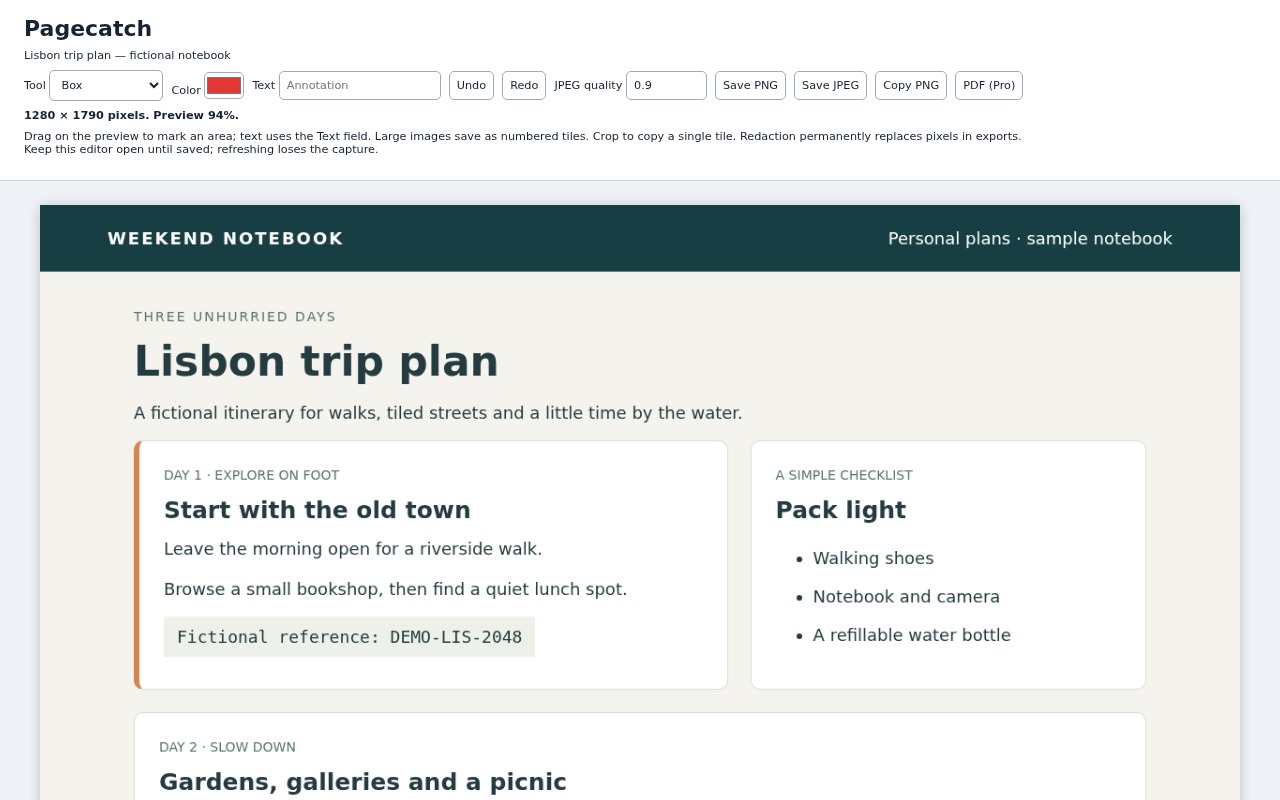
- Crop, boxes, arrows, text and highlights, with undo and redo.
- Solid redaction that replaces pixels in the saved image.
- Save as PNG or JPEG, or copy to the clipboard. No watermarks.
Pro: $6.99, one time
- Export the edited capture as a PDF; long pages are split across PDF pages.
Buy Pagecatch Pro: $6.99Privacy policy
Good to know
Some pages can't be captured because the browser blocks it, and private windows are excluded. Keep the editor open until you save: there is no capture history.